Creating Your Account
If you don't have a Revere account yet, you can sign up directly from the login page. Click Create your account on the login screen and fill in your details.
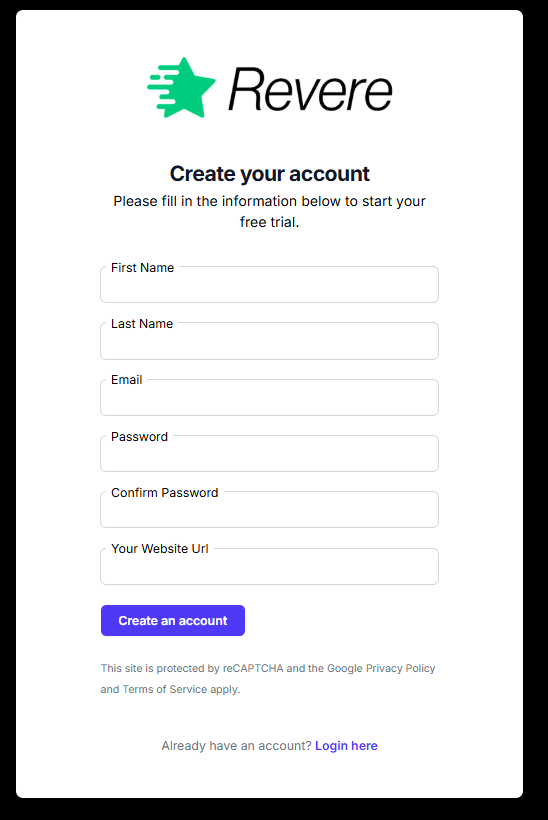
Tip: Use your business email address when creating your account — this is the address that will receive review notifications and system alerts.
Logging In
Visit app.irevere.com and enter your email address and password. Click Login to access your dashboard.
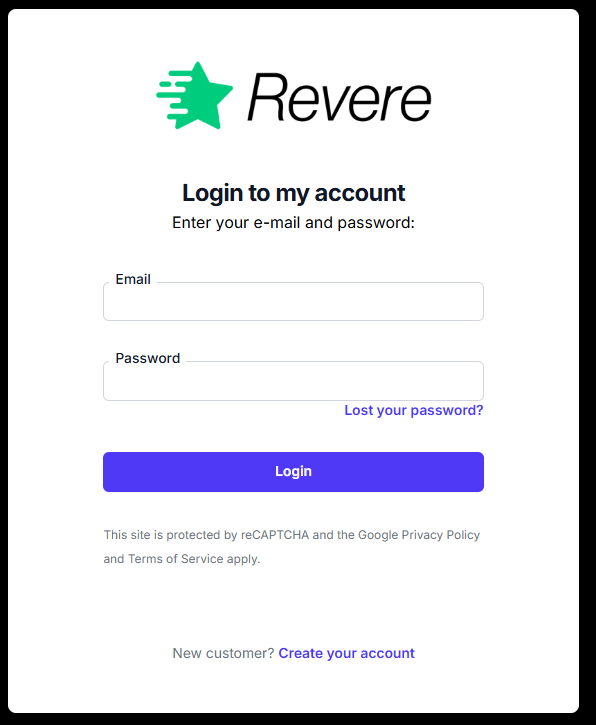
The login page is protected by Google reCAPTCHA to prevent automated sign-in attempts. You may occasionally be asked to complete a quick verification.
Managing Multiple Sites
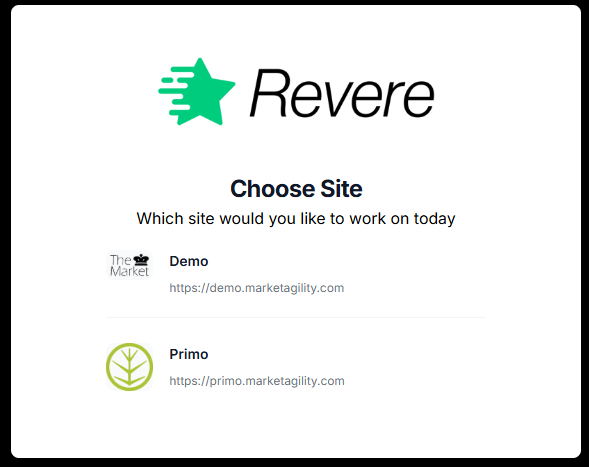
If your account manages more than one store, you'll see a Change Site option in the top bar after logging in. Use this to switch between stores without logging out.
Forgot Your Password?
If you can't remember your password, click Lost your password? on the login screen. Enter your email address and you'll receive a password reset link within a few minutes.
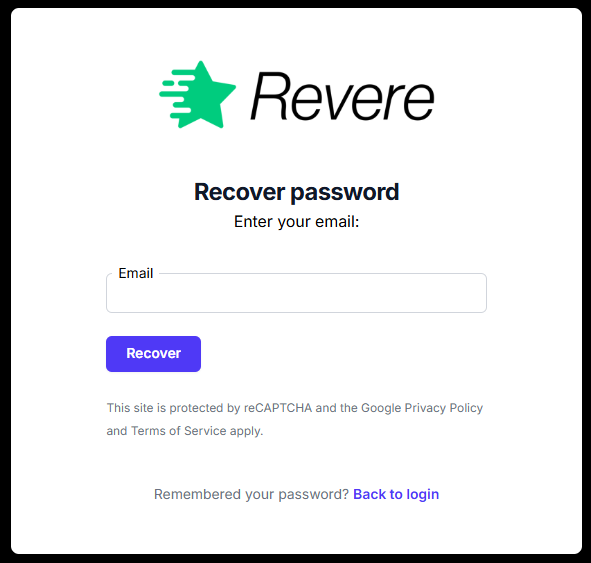
If you don't receive the reset email within a few minutes, check your spam folder. The email comes from [email protected].
Your Profile
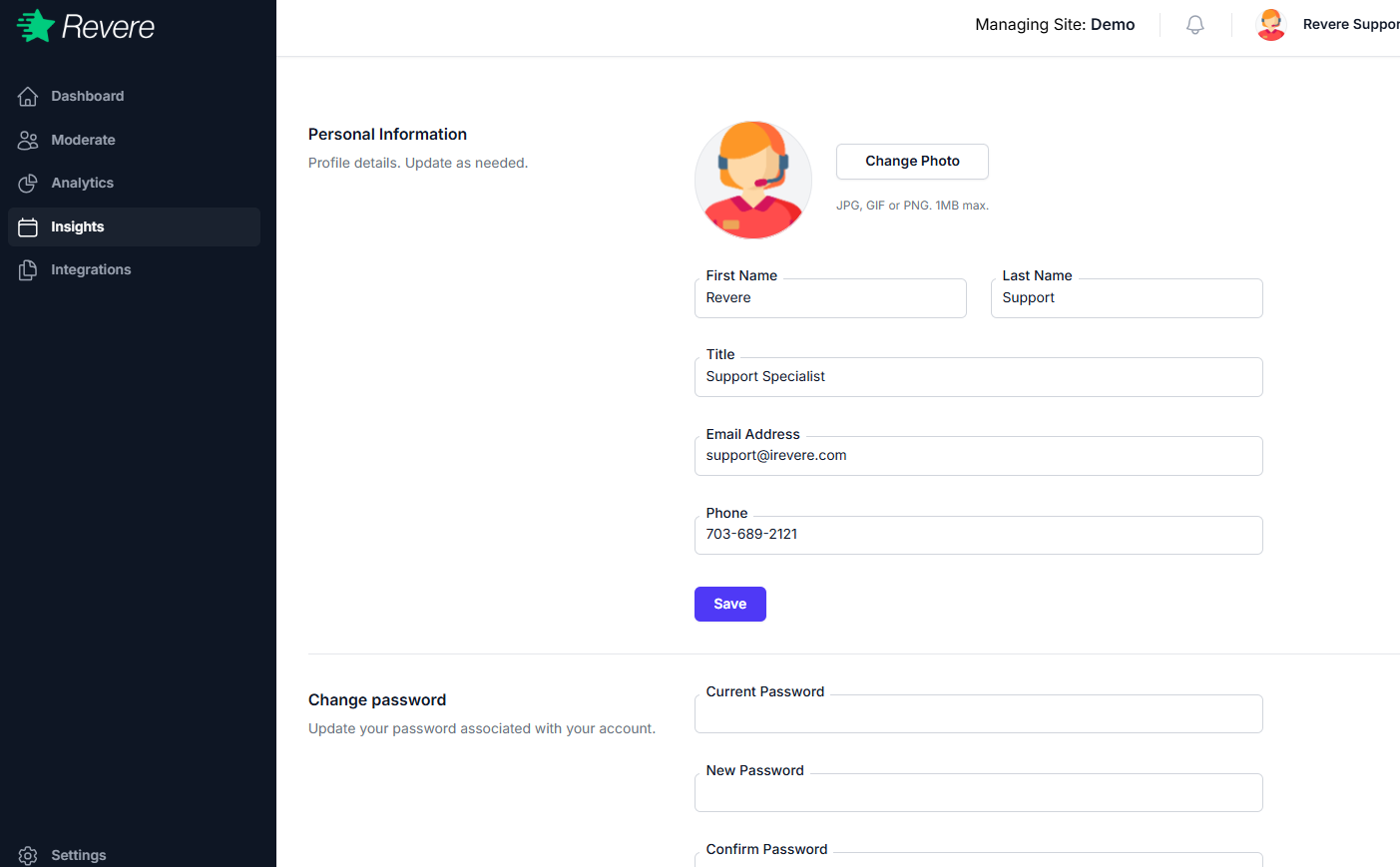
Click your name or avatar in the top-right corner to access your profile settings. From here you can update your name, email address, and password.