
Overview
Revere integrates with major ecommerce platforms and email marketing providers. Once connected, integrations automatically pass order data to Revere so you can trigger post-purchase review request emails without any manual work.
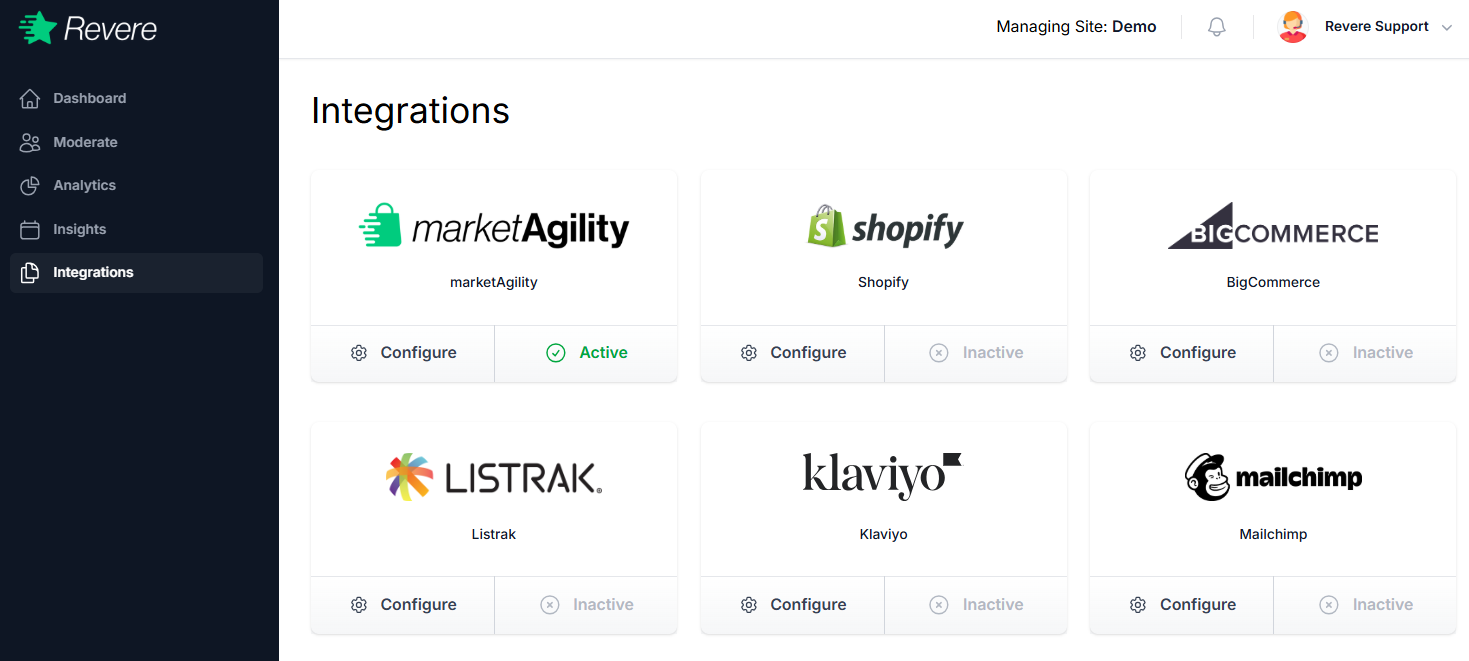
Each integration card shows its connection status — Active (green) means it's currently connected and passing data. Inactive means it's available but not yet configured.
Ecommerce Platforms
Email Marketing Platforms
Connect your email marketing provider to automate review request campaigns and sync customer segments based on review activity.
Configuring an Integration
To set up any integration, click the Configure button on its card in the Integrations page. You'll be guided through the connection steps, which typically involve:
- 1Authorizing Revere to access your platform account
- 2Selecting which store or account to connect
- 3Confirming the connection and verifying data is flowing