
Overview
The Mailchimp integration lets Revere trigger email automations in your Mailchimp account when a review request should be sent to a customer. This is a good option if Mailchimp is your primary email marketing platform and you want review request emails to match your existing brand templates.
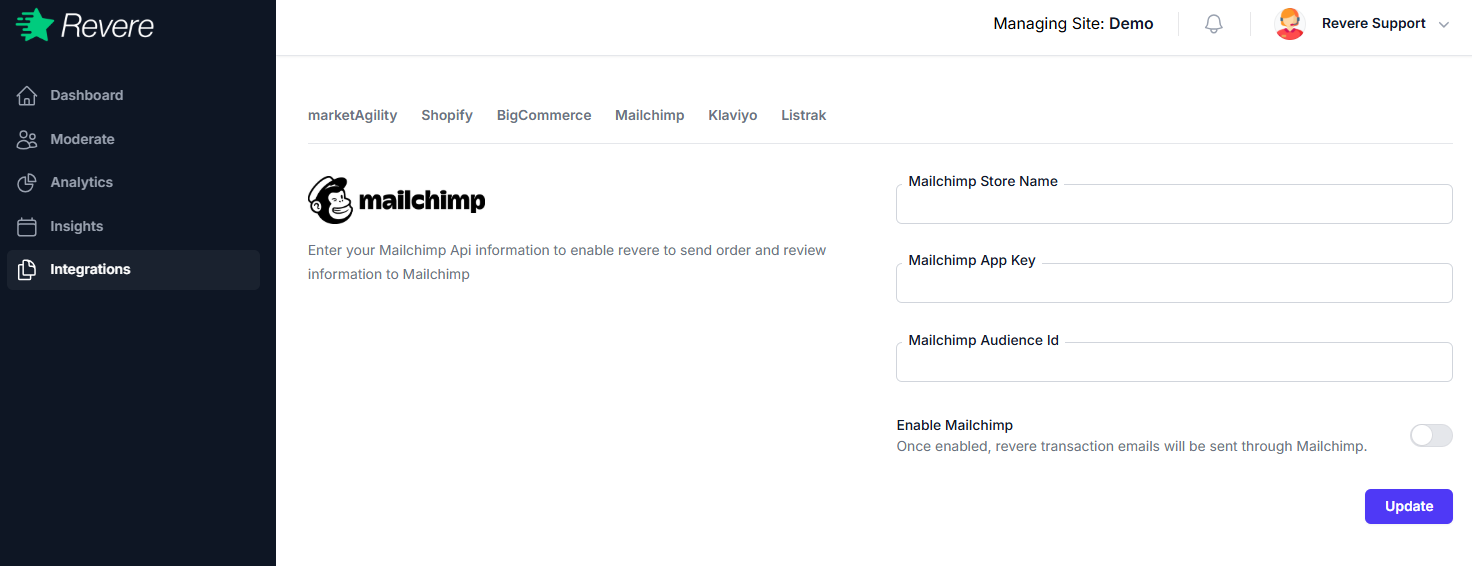
Connecting Mailchimp
-
1
Get your Mailchimp API Key
In Mailchimp, go to Account → Extras → API keys and generate a new API key.
-
2
Configure in Revere
In Revere, go to Integrations → Mailchimp → Configure and enter your API key.
-
3
Select your audience and automation
Choose the Mailchimp audience to add customers to, and the automation to trigger when a review request should go out.
-
4
Save and test
Save the settings and send a test order through to verify the email automation is triggered correctly.
Notes
When using Mailchimp, make sure your automation email includes the unique review link that Revere passes as a merge tag. Without the link, customers won't be able to complete their review.