
Overview
The Moderation section is your control center for all customer-submitted content. From here you can approve or reject reviews and questions before they appear on your store.
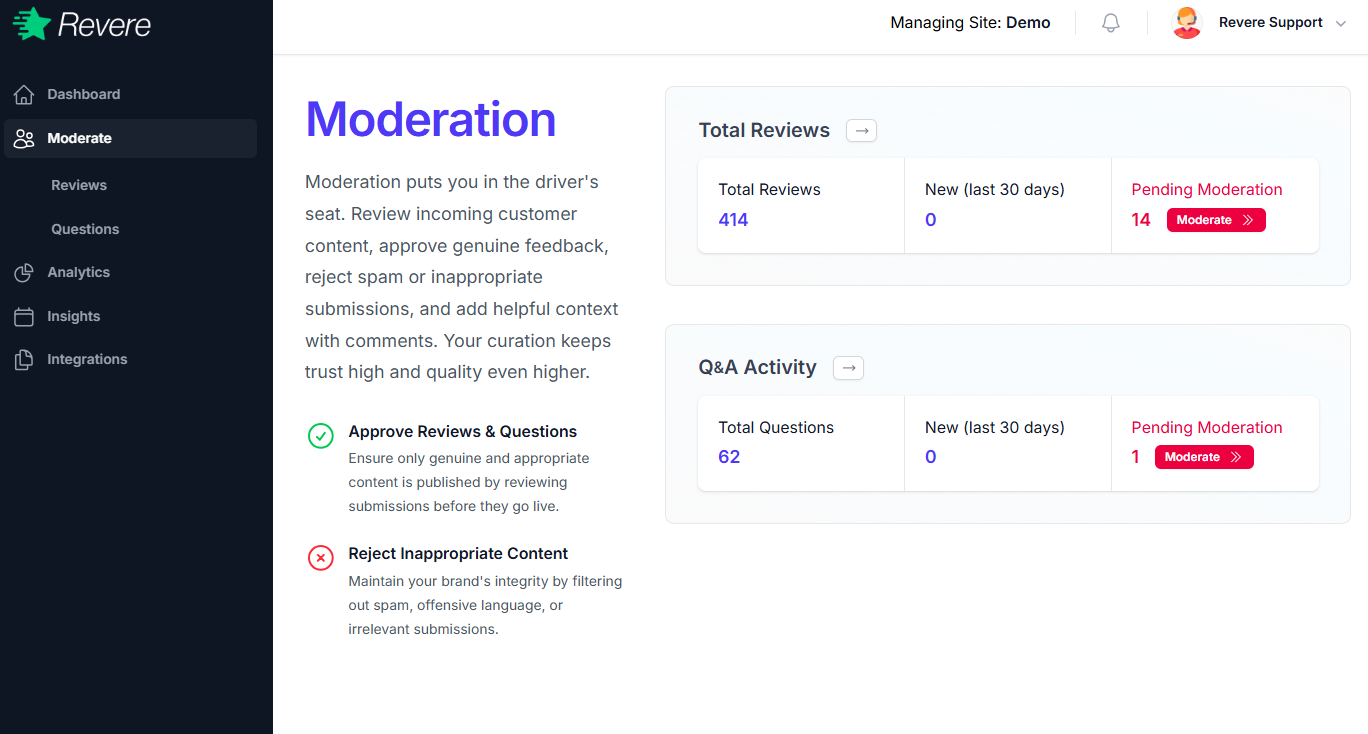
The overview shows two sections at a glance:
- Total Reviews — The total number of reviews across your store, new reviews in the last 30 days, and how many are currently pending moderation.
- Q&A Activity — The total number of questions, new questions in the last 30 days, and pending questions awaiting moderation.
Why Moderate Reviews?
Ensure only genuine, appropriate content is published to your store. Approving quality reviews builds customer trust and improves SEO.
Filter out spam, offensive language, or irrelevant content. Maintaining high-quality reviews keeps your brand integrity strong.
Pending Moderation
Any review or question flagged as Pending Moderation will not appear on your store until it has been reviewed and published. The orange badge on the Moderation overview shows how many items are waiting for your attention.
Note: Depending on your moderation settings, some reviews may be published automatically. You can configure this behavior under Settings → Moderation.