
Overview
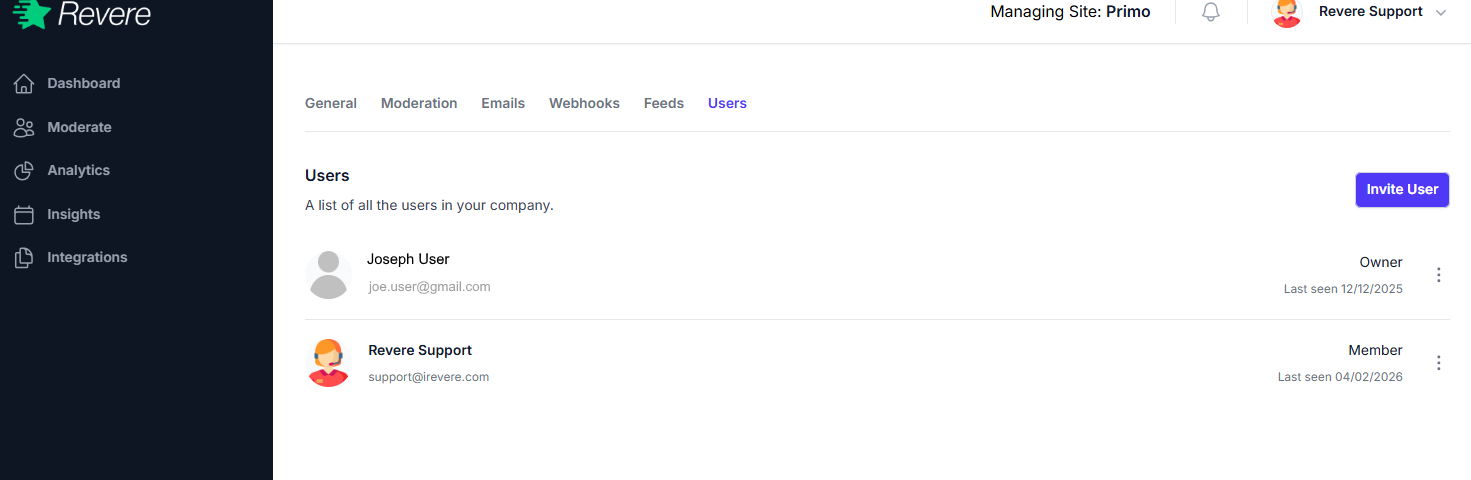
The Users tab lists everyone who has access to your Revere account. You can see each user's name, email address, role, and when they last logged in.
User Roles
Full access to all settings, billing, and user management. Only one user can hold the Owner role. The Owner can transfer ownership to another user.
Access to moderation, analytics, and insights. Cannot access billing or make account-level changes. Suitable for customer service or marketing team members who need to moderate reviews and view reports.
Inviting a User
-
1
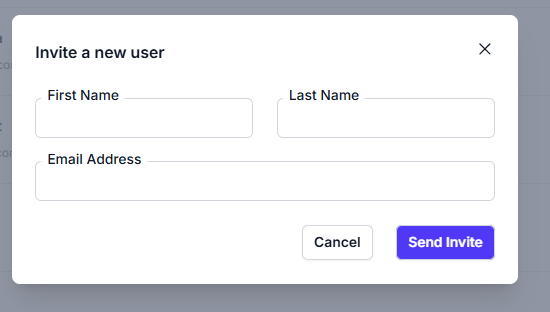
Click Invite User
Click the Invite User button in the top right of the Users tab.
-
2
Enter the email address
Type the email address of the person you'd like to invite. They must not already have a Revere account associated with that email.
-
3
Select their role
Choose Owner or Member based on the level of access they need.
-
4
Send the invitation
Click Invite. The user will receive an email invitation with a link to create their account and join your Revere workspace.
Updating or Removing a User
Click the three-dot menu (⋮) to the right of any user row to:
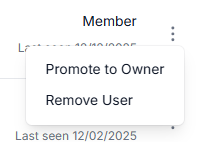
- Edit — Change their role or name.
- Remove — Revoke their access to the account immediately.